Lights, Camera, Action! Your Guide to Shining on ‘What She Said’
A Warm Welcome from Me, Candace!
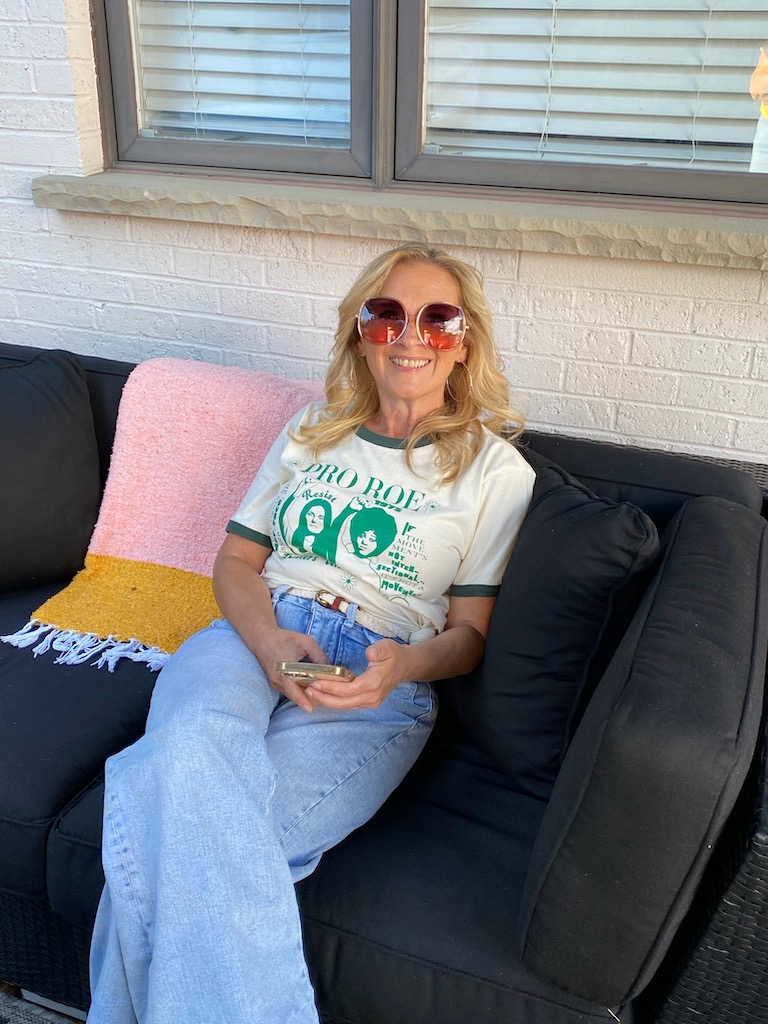
Hi! I’m Candace, and I’m genuinely thrilled you’re here. Before we get into the practical stuff, please send your bio and a headshot to candace@whatshesaidtalk.com so I can do you justice when I introduce you.
Now let’s make sure your recording goes smoothly from the start.
Where You’ll Be Heard
Your interview will be available on all major podcast platforms, including Apple Podcasts, Spotify, YouTube, and Amazon Music. I’d love it if you shared your episode on your own social channels once it’s live — and if you feel moved to leave a rating or review on your preferred podcast platform, that genuinely helps more than you know.
You can also keep up with me and the show at:
- Newsletter: Sign Up Here
- Instagram: @whatshesaidtalk
- Facebook: What She Said Talk
- TikTok: @candacesaid
- Threads: @candacesaid
Your Pre-Recording Checklist
- Find a small, quiet room. Smaller spaces naturally absorb echo. A bedroom or home office beats a big open kitchen every time.
- Use headphones with a mic. If you don’t have a dedicated microphone, earbuds with a built-in mic are a solid backup. What you want to avoid is your laptop speakers picking up audio feedback.
- Mute your phone and close noisy browser tabs. Email notifications, Slack pings, and notification sounds all find their way onto the recording.
- Check your lighting. Natural light facing you works beautifully, as does a ring light. Avoid having a bright window behind you — it turns you into a silhouette.
- Keep your background real, but tidy. Virtual and blurred backgrounds can look cheap and distract viewers. A real room looks warm and human. Just take a quick look behind you beforehand and remove anything with personal information visible — mail with your address on it, documents on a desk, that sort of thing.
- Have a glass of water nearby (simple but genuinely helpful, because I get chatty)
- Close any VPNs specifically . VPNs can actually interfere with Riverside’s connection.
- Watch out for noise from jewellery or clothing. Dangly earrings, bangles, and scarves that brush your mic are surprisingly loud on recording.
- Wear solid colours or simple patterns. Busy prints and very bright clothing can be visually distracting on video, so simpler is better.
Relax — This Is Just a Conversation
If you’re a little nervous, that’s completely normal and also completely unnecessary. We’re not live. If an answer goes sideways, we can pause, reset, and try again. Nobody’s grading you.
Think of it as a good chat with someone who is genuinely curious about what you have to say. Because that’s exactly what it is.
That’s it. You’re ready.
I’ll see you in the virtual studio — can’t wait.
— Candace